
Six films shot on pure black
How the short films between the sections of this website were made: start frames on black, animated with AI, then scrubbed by scroll and blended into the page.
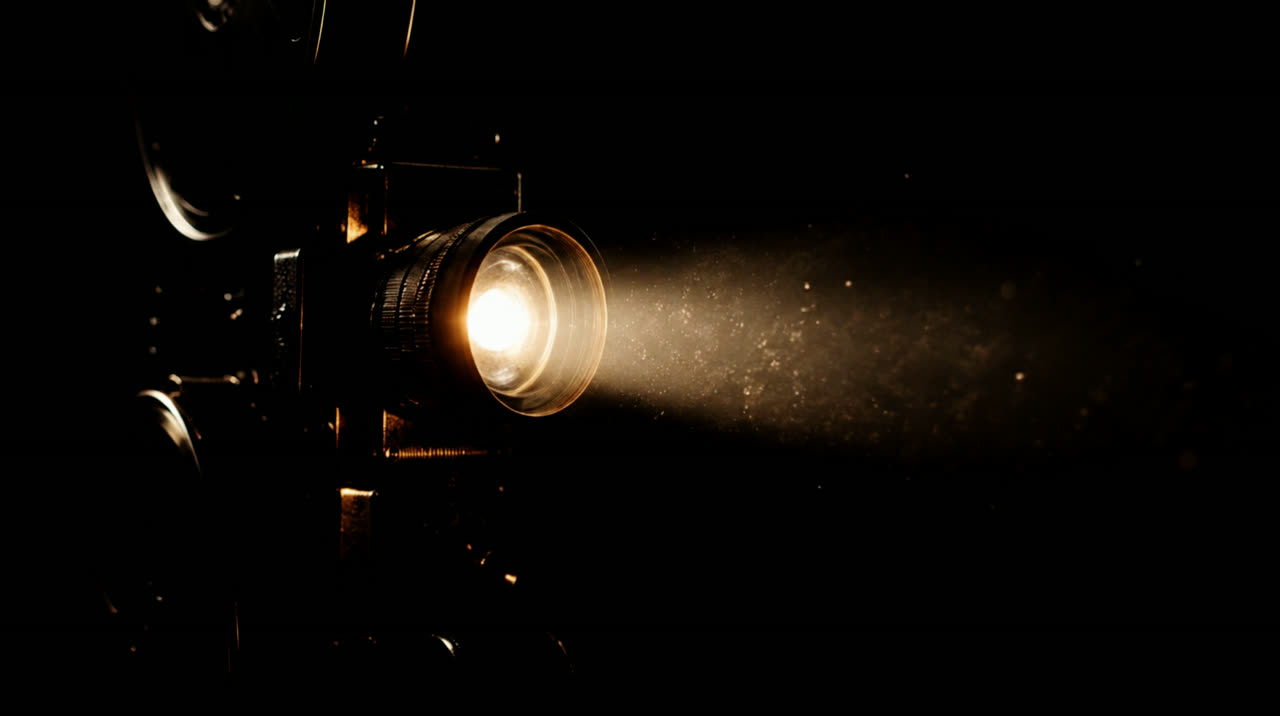
Scroll down our home page and things float between the sections: a film reel unspooling, a red dot that bursts, a clapperboard that snaps shut as the crew appears, a ticket that tears as the free tools arrive. Each one is a five-second film, and each one was made to disappear into the page.
Start on black
Every film began as a single still: the object alone, lit from one side, on pure black, with plenty of empty space around it. Getting the still right first is cheaper and faster than fixing a film later, and it lets us check the framing before anything moves.
We generated the stills with AI, then animated each one into a slow, single-shot film with Kling 3.0 on Higgsfield. The prompts asked for one continuous camera move and a background that stays black from the first frame to the last.
Make the black vanish
AI video is never quite black: compression leaves a faint grey haze. We pull the darkest tones down to true black, then lay the film over the page with a "screen" blend, which treats black as see-through. The object glows; the rectangle around it is gone.
Let scroll be the play button
None of the films autoplay. Each is encoded with a keyframe every six frames, so the browser can jump to any moment instantly, and your scroll position decides which moment you see. Scroll back and the clapperboard opens again.
- Phones get a lighter cut, about a third of the size.
- Visitors who ask their device for less motion see a still frame instead.
- Each film only loads when you scroll close to it.
The result is a page that feels shot rather than built, without asking the visitor to press play.